Managing Resolutions
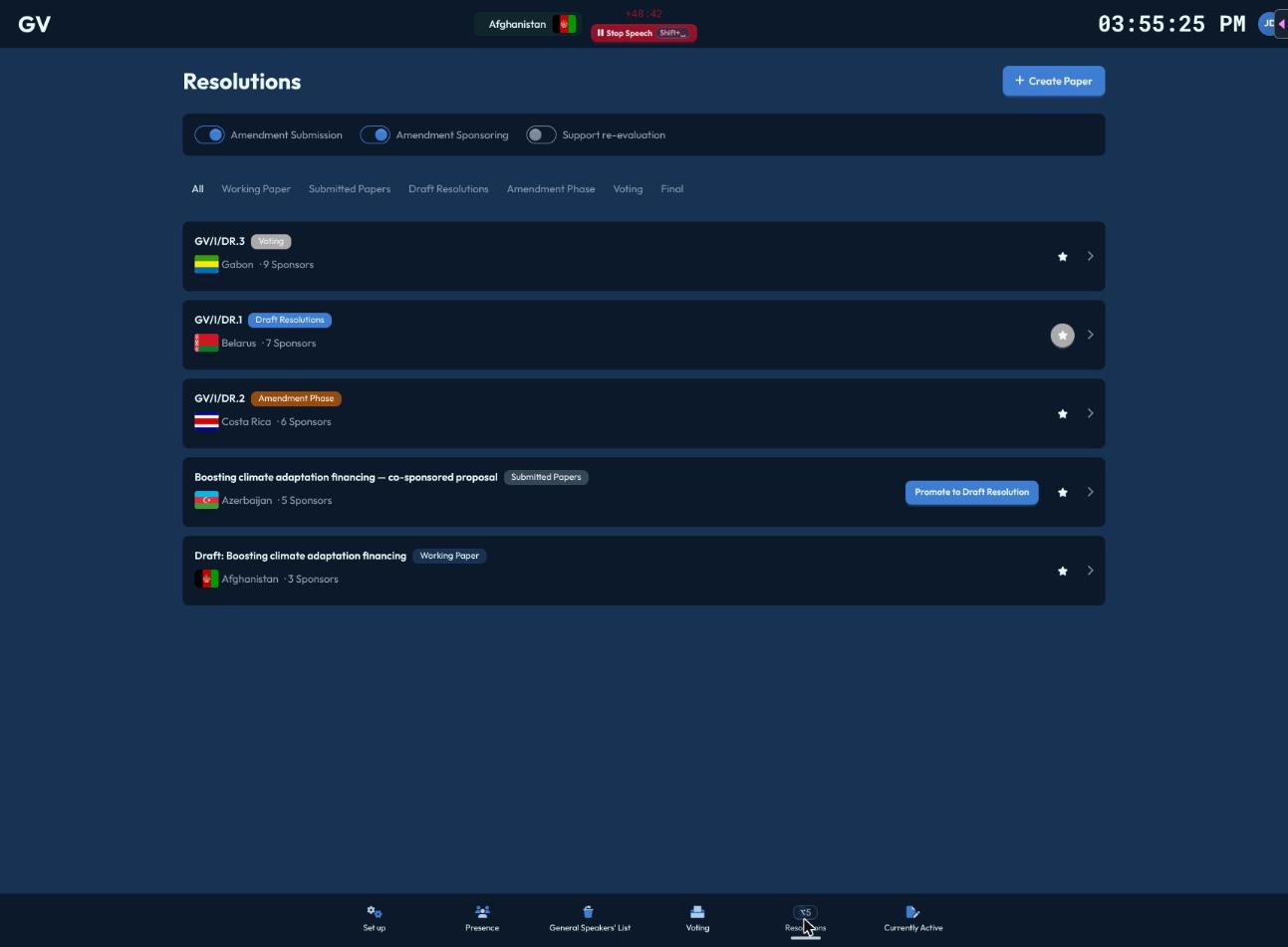
On the Resolutions page (Alt+5), you control three phase toggles for the whole committee: Amendment Submission, Amendment Sponsoring, and Support Reevaluation — these decide whether delegates can currently submit new amendments, back existing ones, or have amendments re-checked against updated sponsor counts.
Creating a paper
Create Paper starts a new working paper (needs an active agenda item first). Once a delegate submits their working paper, it appears here as Submitted, and you can click "Promote to Draft Resolution" to move it forward and assign it a document number. Use the star/circle icon on any draft resolution to set it as the committee's active draft resolution — the one shown on the shared presentation screen.
Moving through the lifecycle
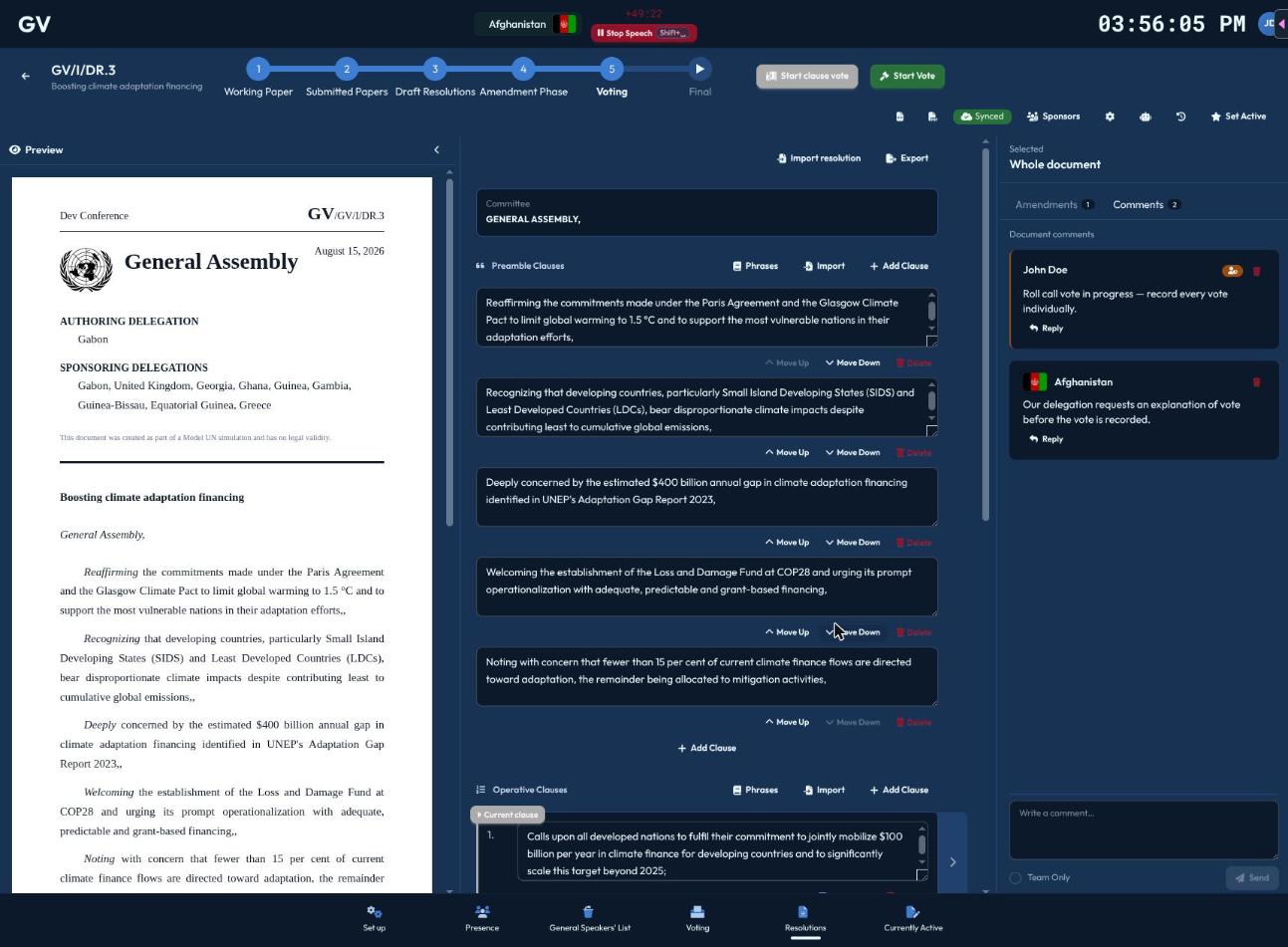
Inside a paper, a step bar shows: Working Paper → Submitted → Draft Resolution → Amendment Phase → Voting Phase → Final. Click the next step to advance, or an earlier step to revert (you'll be asked to confirm reverting).
- Entering the Amendment Phase first asks whether to open amendment submission/sponsoring automatically ("Enable All") or leave your current toggle settings as they are ("Keep Current Settings").
- Entering the Voting Phase resets to the first operative clause, ready for clause-by-clause votes.
- Entering Final asks you to confirm — and lets you choose "Finalize with confetti" for a celebratory moment on the presentation screen, or "Finalize without confetti" for a quieter wrap-up.
Clause-by-clause voting
Once in the Voting Phase, select a clause and click Start Clause Vote (or Restart Vote if you need to redo one). Clause votes always run as a show-of-hands, simple-majority vote; the outcome (Adopted/Rejected) is recorded per clause.
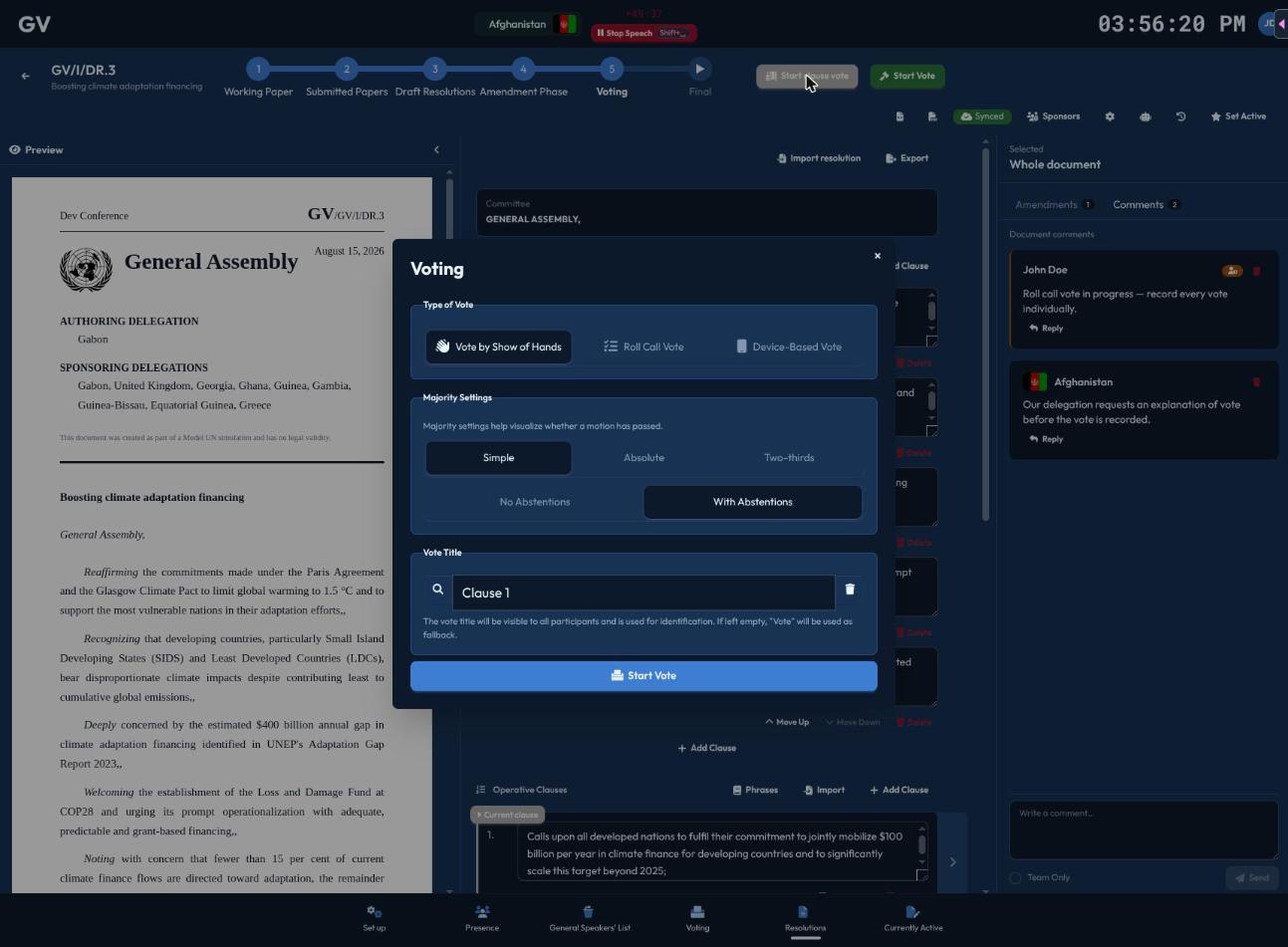
When every clause is decided, Start Vote launches the final vote on the resolution as a whole (a roll-call, absolute-majority vote by default).
Snapshots
Click Save Snapshot any time to manually checkpoint the document. CHASE also auto-snapshots at key moments (an amendment applied, the paper submitted, a vote concluded). Restoring an earlier snapshot asks for confirmation first.
Next steps
- Reviewing Amendments — accepting, rejecting, and reconciling amendments during the amendment phase